Home / Our Blog / Google SEO Basics for Manufacturers: Improve Your Website’s Search Visibility

Google SEO Basics for Manufacturers: Improve Your Website’s Search Visibility

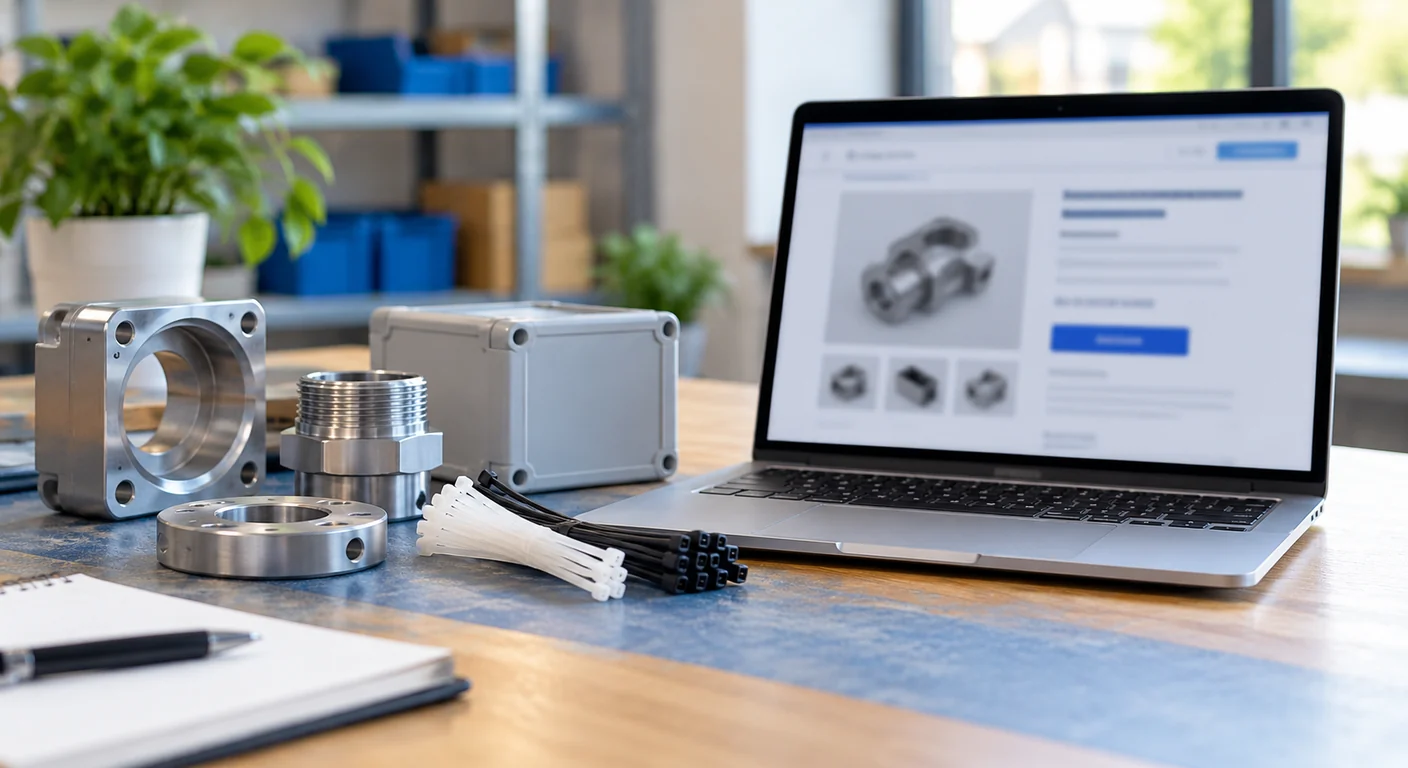
Machined metal parts, a grey enclosure and cable ties on a wooden table beside a laptop showing a blurred product web page

Quick answer: what Google SEO can and cannot do

Search engine optimisation (SEO) means helping Google understand your website, and helping people decide whether your page is worth a visit when it appears in search results. For a manufacturer, that usually means making product and capability pages clear, specific and easy to find.

What SEO cannot do is guarantee results. Google's own guidance says there are no secrets that automatically rank a site first, and even a page that meets Google's Search Essentials is not guaranteed to be crawled, indexed or shown. Nobody can honestly promise a first-page ranking. This guide covers the basics Google documents, then adds practical suggestions for manufacturers. It limits itself to your own website and Google Search. It does not cover marketplace listings or other search tools, and it does not claim to know how overseas buyers search.

How to read this guide: items marked Google's guidance come from Google's published documentation (linked at the end). Items marked Practical suggestion are our recommendations for manufacturers and are not Google rules.

Start with pages that are useful to a buyer

Google's guidance: content that people find useful is likely to influence your presence in search more than other suggestions in the starter guide. Google describes useful content as easy to read and well organised, unique (not copied from others), kept up to date, and helpful and reliable for people.

Practical suggestions for manufacturers

  • Give each product line or capability its own page, so a visitor and Google can tell what the page is about.
  • State plainly what you make, for whom, and what you can actually supply. Include only facts you can stand behind, such as materials, sizes, standards you genuinely hold and how to contact you.
  • Write product descriptions yourself instead of reusing a supplier's or competitor's text.
  • Update pages when products, specifications or contact details change, and remove pages that no longer apply.
  • Think about the words your customers would use for your product, alongside technical names, and write naturally.

Illustrative example (fictional): a company that makes stainless steel cable ties could have separate pages for each product family, each opening with a plain description of the product, then specifications and a contact route. The example is not a recommended formula or a claim about what ranks.

Write clear page titles, headings and descriptions

Google's guidance

  • Google creates the title shown in results automatically, using sources such as the page's title element, its main visible title and its headings. A good title is unique to the page, clear and concise, and accurately describes the page.
  • Google advises against vague titles such as "Home", against repeating the same boilerplate title on every page, and against keyword stuffing.
  • Google also suggests making clear which text is the main title of the page, for example by making it the most prominent heading.
  • Snippets under the title are mostly created from the page content. Google sometimes uses the meta description when it describes the page better. A good meta description is short, unique to one page and summarises its relevant points.
  • Google Search does not use the keywords meta tag.

Practical suggestions

  • Give every page its own title that starts with the product or capability, then the company name if useful. For example: "Stainless Steel Cable Ties | Example Company" (illustrative).
  • Make the main heading on the page say what the page covers.
  • Write each meta description as a brief, honest summary, and do not assume it will be shown.

Add meaningful alt text to product images

Google's guidance: use sharp, clear images and place them near text that is relevant to the image. Alt text is short, descriptive text that explains how the image relates to your content, and it helps search engines understand the image. You can add it through the HTML alt attribute or, in many systems, through a description field when uploading the image.

Practical suggestions

  • Describe what is actually in the photo: "Stainless steel cable ties in three lengths on a workbench" is more useful than "best cable ties manufacturer India" (both illustrative).
  • Keep alt text natural and avoid repeating keywords.
  • Put the image next to the product text it illustrates.

Link related pages with descriptive anchor text

Google's guidance: links connect users and search engines to other pages, and Google finds most new pages through links. Link text (the clickable words) tells users and Google something about the destination. Google's Search Essentials also recommend making links crawlable.

Practical suggestions

  • Link from your category page to each product page, and between related products or capabilities.
  • Use descriptive anchor text such as "stainless steel cable ties" rather than "click here".
  • Add a clear route from product pages to your contact or enquiry page.
  • Link out to other websites sparingly, and only where the page genuinely helps your reader and you trust it. This is our suggestion, not a Google rule.

Help Google find your pages

Google's guidance

  • Google finds pages mainly through links from pages it already knows, and most sites are found automatically.
  • A starter check is to search Google for site:yourdomain.com. Google's starter guide says results pointing to your site mean you are in the index. Google's "Get your website on Google" page adds that the site: operator does not necessarily return all indexed URLs, so treat it as an approximate check, not a complete index report.
  • A sitemap, a file listing the URLs you care about, can help. It is not required, and some content management systems create one automatically. Google suggests first making sure people know about your site.
  • Search Console lets you monitor how your site performs in Google Search, and its URL Inspection tool shows how Google sees a page.

Practical suggestions

  • Check whether your main product pages appear in a site: search before changing anything. If a page is missing, do not conclude it is excluded; ask your developer to investigate.
  • Ask your web developer whether your platform already produces a sitemap and whether it lists the pages you care about.
  • Set up Search Console with help from whoever manages your domain, and use URL Inspection on a few important pages.
  • This guide does not cover technical diagnosis of indexing problems.

Promote useful pages

Google's guidance: promoting your content helps people and search engines discover it. Examples Google gives include social media, community engagement, advertising, word of mouth, listing your web address on business cards and letterhead, and newsletters sent with recipients' permission. Google warns that over-promotion can fatigue people and may look like manipulation to search engines.

Practical suggestions: put your website address on catalogues and email signatures, tell existing customers about new product pages, and share them with relevant trade groups where appropriate. Avoid paid link schemes and mass link requests.

Measure progress and set realistic expectations

Google's guidance: changes can take anywhere from a few hours to several months to show in Search. Google suggests waiting a few weeks before judging whether your work helped, and notes that not every change produces a noticeable result.

Practical suggestions

  • Keep a simple log: what you changed, on which page, and the date.
  • Use Search Console to see how your pages appear in Search, and judge changes over weeks, not days.
  • Treat enquiries as a business measure that SEO alone does not control. This article gives no expected traffic, ranking or enquiry figures because none were measured or sourced.

If you consider hiring an SEO provider

Google's guidance: no one can guarantee a number-one ranking. Google advises being wary of anyone who guarantees first place or claims a special relationship with Google, checking a provider's recommendations against official Google guidance, and asking whether they cite Google's documentation. Advertising with Google has no effect on your site's presence in organic results.

Practical suggestion: ask any provider to explain each recommended change and its reasoning in plain language.

Common mistakes to avoid

  • Repeating the same keyword phrases across a page
  • Copying product text from another site
  • Using one identical title on every page
  • Hiding important details in images with no nearby text
  • Leaving outdated products or contact details online
  • Expecting results within days, or paying for a guaranteed ranking

Practical checklist

  1. Each important product line or capability has its own useful page
  2. Product text is original, accurate and current
  3. Every page has a unique, clear title and a matching main heading
  4. Meta descriptions are short, unique and honest
  5. Product images have accurate alt text and sit near relevant text
  6. Related pages link to each other with descriptive anchor text
  7. A site: search and Search Console URL Inspection checks have been done on key pages
  8. A sitemap exists if your platform provides one, and your developer has confirmed it
  9. Changes are logged and judged over weeks
  10. No ranking, traffic or enquiry promises are made

Use the checklist above to review one of your product pages this week: check its title, main heading, description, image alt text and nearby text.

Frequently asked questions

Can SEO guarantee my pages appear on the first page of Google?

No. Google says nobody can guarantee a number-one ranking, and meeting its guidelines does not guarantee that a page will be crawled, indexed or served.

How do international buyers find manufacturers?

This article does not say. It does not claim how buyers search or how many use Google. Check your own enquiry data and ask buyers how they found you.

How long does SEO take to show results?

Google says changes can take from hours to several months and suggests waiting a few weeks before assessing the effect. No fixed timeline can be promised.

Do I have to submit a sitemap?

No. Google says a sitemap is not required. It can help Google find pages but is not a ranking trick.

Do I need to fill in the keywords meta tag?

No. Google Search does not use the keywords meta tag.

Conclusion

For a manufacturer, Google SEO comes down to clear, honest, up-to-date pages that explain what you make, supported by descriptive titles, alt text and internal links, and checked with simple tools such as a site: search and Search Console. These steps help people and Google understand your site. They do not guarantee rankings, traffic or enquiries, so measure over weeks and avoid anyone who promises otherwise.

General information based on Google documentation reviewed on 18 October 2026. Google's guidance changes over time.


Previous Post Export Documentation Checklist for Indian Exporters Next Post How to Find Overseas Buyers Through Official and Trade-Body Channels